Have you ever clicked a link only to see a "404 Not Found" error? Or maybe you tried to access an old article from five years ago, but the website had shut down? This is called "link rot," and it’s a huge problem with the traditional web. Your data lives on someone else’s server, and if that server goes offline, your data disappears. Enter IPFS, or the InterPlanetary File System. It’s not just another hard drive; it’s a completely different way of thinking about how we store and share files online. Instead of relying on one central server, IPFS spreads your data across a global network of computers. In this guide, I’ll break down exactly how IPFS works, why it matters for the future of the internet, and how you can start using it today.
The Core Problem with Traditional Web Storage
To understand why IPFS is such a big deal, you first need to look at how the current web handles files. When you visit a website like CNN or Amazon, your browser sends a request to a specific server located in a specific place. That server holds the HTML, images, and videos you want to see. This system relies on location-based addressing. You are asking for a file because it lives at a specific address (a URL), much like mailing a letter to a specific house number.
The flaw here is obvious: if that house burns down, or the owner moves away without telling anyone, your letter gets lost. In tech terms, if the server crashes, gets hacked, or simply shuts down due to lack of funding, the content vanishes. This creates single points of failure. It also makes censorship easy. If a government or corporation wants to take something down, they just pull the plug on that one server. For a world that values open information, this is a major bottleneck. IPFS was designed to fix this by removing the concept of "where" a file is stored and replacing it with "what" the file actually is.
Content Addressing vs. Location Addressing
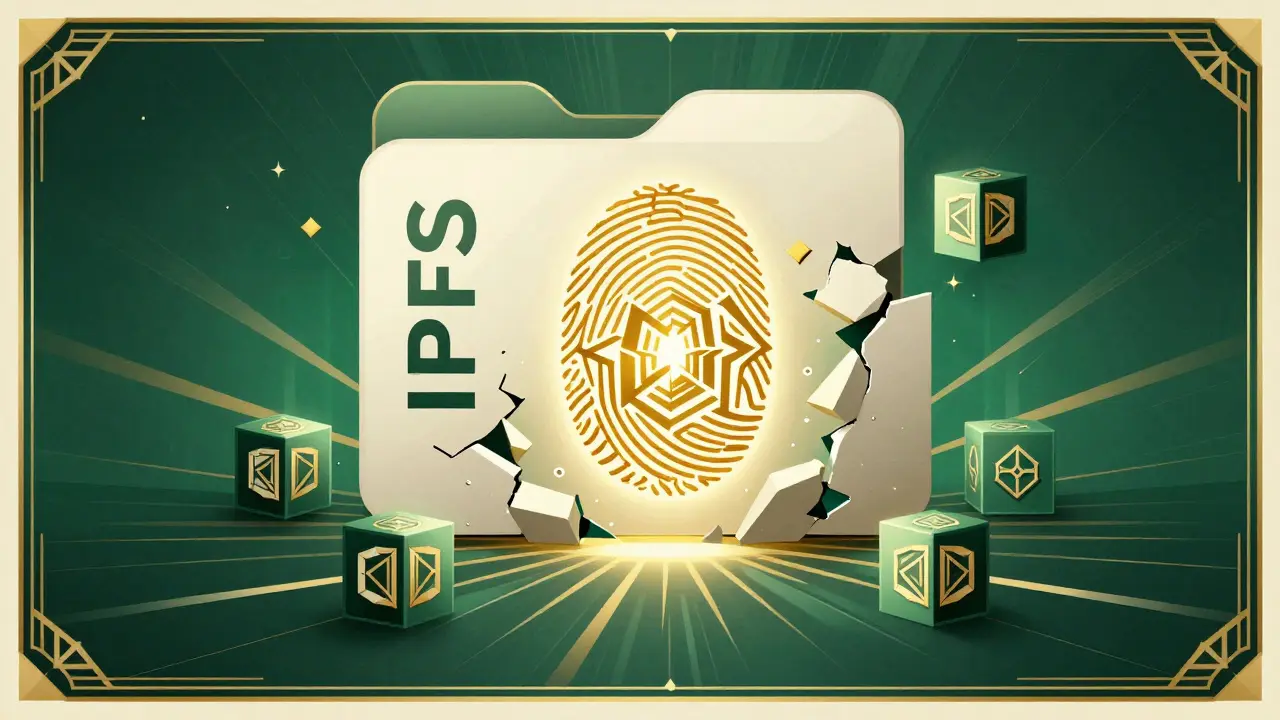
The biggest shift in IPFS is the move from location addressing to content addressing. In the traditional web, you find a file by its location. In IPFS, you find a file by its content. How does that work? Imagine you have a photo of your dog. In IPFS, the system doesn’t care where the photo is saved. Instead, it runs the file through a mathematical formula called a cryptographic hash function. Currently, IPFS uses SHA-256 by default.
This hash function turns your photo into a unique string of characters-a digital fingerprint. If you change even a single pixel in that photo, the entire fingerprint changes. This means the fingerprint is permanently tied to the exact content of the file. This fingerprint becomes the file’s address. This address is known as a CID (Content Identifier). A typical CID looks like a long string of random letters and numbers, such as QmXoypizjW3WknFiJnKLwHCnL72vedxjQkDDP1mXWo6uco. Because the CID is derived directly from the content, you don’t need to trust a server to tell you the file hasn’t been tampered with. You can verify the integrity of the file yourself by checking if the downloaded content matches the CID.
Breaking Files into Blocks
IPFS doesn’t just store whole files as-is. To make sharing more efficient, it breaks large files into smaller chunks called blocks. Think of it like packing a moving truck. Instead of trying to shove a giant piano through a small door, you disassemble it into smaller parts. Each block is hashed individually and given its own CID. These blocks are then linked together using a structure called a Merkle DAG (Directed Acyclic Graph). This allows IPFS to reconstruct the original file perfectly when you download it.
This block-based approach has a massive benefit: deduplication. If two people upload the exact same PDF document to the IPFS network, the system recognizes that the blocks are identical. It stores the blocks only once, regardless of how many times they are referenced. This saves a tremendous amount of storage space across the network. It also speeds up downloads. If you’re downloading a large video, and three other people nearby are downloading the same video, your computer can grab different blocks from each of them simultaneously, rather than waiting for one server to send everything sequentially.
The Peer-to-Peer Network Architecture
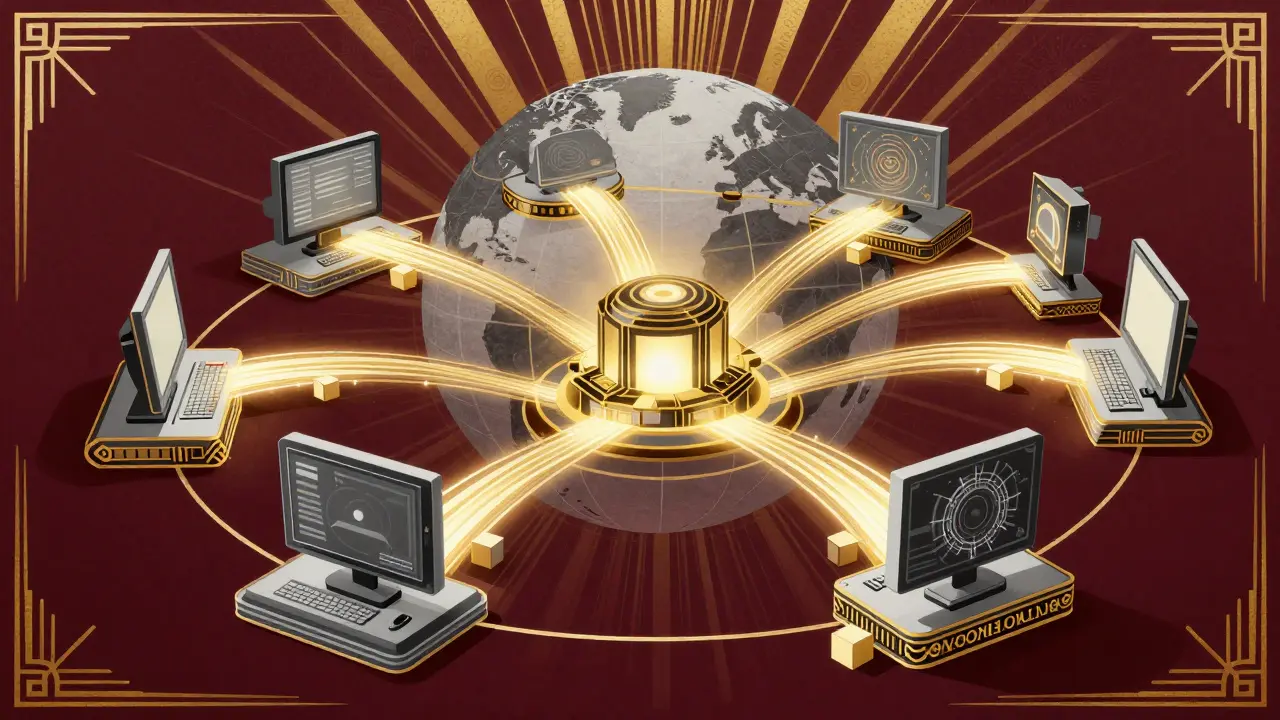
So, where do these blocks live? They live on nodes. A node is simply a computer running the IPFS software. Anyone can run a node. You could be hosting a node on your laptop, your desktop, or a dedicated server. The IPFS network is a peer-to-peer (P2P) network, meaning there is no central authority managing the data. When you add a file to IPFS, your node stores those blocks and announces to the rest of the network that it has them. Other nodes listen for these announcements and build a map of who has what.
This mapping happens via a distributed hash table (DHT). The DHT is essentially a phone book for the network. When you want to retrieve a file using its CID, your IPFS client queries the DHT to find which nodes currently hold the blocks associated with that CID. Once it finds them, it connects directly to those peers and downloads the blocks. This is similar to how BitTorrent works, but with a key difference. BitTorrent creates separate swarms for each torrent file. IPFS aims to create a single, unified global filesystem. If two users publish data with overlapping hashes, the network shares the load seamlessly between them. This makes the network incredibly resilient. Even if thousands of nodes go offline, as long as at least one node holds the blocks, the content remains accessible.
| Feature | Traditional HTTP | IPFS |
|---|---|---|
| Addressing Method | Location-based (URL) | Content-based (CID) |
| Data Integrity | Must trust the server | Cryptographically verified |
| Storage Model | Centralized servers | Distributed P2P nodes |
| Resilience | Single point of failure | Highly redundant |
| Link Rot | Common (broken links) | Eliminated (permanent addresses) |
Pinning: Keeping Your Data Alive
There is a catch with the peer-to-peer model. Since nodes are voluntary participants, they might turn off their computers, disconnect from the internet, or decide to delete files to free up space. If every node holding a copy of your file goes offline, your file effectively disappears from the network. This is where "pinning" comes in. Pinning tells a node to keep a file stored permanently, preventing it from being garbage collected.
You can pin files on your own local node, but that only helps while your computer is on. For true permanence, you need third-party pinning services. Companies like Pinata, Infura, and Textile offer cloud-based pinning. They act like reliable hosts that guarantee your data stays online 24/7. You pay them a fee to ensure your CIDs are always retrievable. This hybrid approach-using the P2P network for distribution and paid pinning services for persistence-is currently the standard for serious applications in the Web3 ecosystem.
Accessing IPFS Content: Gateways and Clients
Most regular internet browsers don’t speak the IPFS protocol natively yet. They speak HTTP. So how do you view an IPFS file? You use a gateway. A gateway is a server that translates IPFS requests into HTTP responses. When you enter a CID into a public gateway URL (like ipfs.io/ipfs/YOUR_CID), the gateway fetches the content from the IPFS network and serves it to your browser over standard HTTP. This makes it easy for non-technical users to access decentralized content without installing any special software.
However, relying solely on public gateways reintroduces a bit of centralization. If the gateway goes down, you can’t access the file. For full decentralization, you should run your own IPFS client. Software like Kubo (the reference implementation) or Web3.Storage allows your computer to join the network directly. Many modern browsers now support IPFS extensions that allow you to type ipfs:// addresses directly into the address bar, bypassing gateways entirely and connecting straight to the P2P swarm.
Why IPFS Matters for Web3 and Blockchain
IPFS isn’t just a cool file-sharing trick; it’s a foundational layer for the decentralized web, often referred to as Web3. Blockchains like Ethereum are terrible at storing large amounts of data. Storing a high-resolution image directly on the blockchain would cost a fortune in transaction fees and bloat the ledger. Instead, dApps (decentralized applications) store their assets on IPFS and save only the CID on the blockchain. This keeps the blockchain lean and fast while leveraging IPFS for robust, immutable storage.
Consider NFTs (Non-Fungible Tokens). An NFT is essentially a receipt pointing to a digital asset. If that asset is hosted on a centralized server like AWS, and the server shuts down, the NFT points to nothing. But if the asset is stored on IPFS, the NFT points to a permanent, verifiable piece of data. This ensures that the art or media associated with the token survives as long as the network exists. Furthermore, IPFS supports versioning. You can update a file, and IPFS will generate a new CID for the updated version while keeping the old one accessible. This is crucial for decentralized websites that need to evolve over time without losing their history.
Getting Started with IPFS
Ready to try it out? You don’t need to be a coder to get started. Here is a simple path to begin:
- Install a Client: Download Kubo or use a user-friendly interface like IPFS Desktop. This installs the daemon on your machine.
- Add a File: Use the command line (
ipfs add myfile.txt) or a drag-and-drop interface to upload a file. Note the CID it returns. - Retrieve the File: Try accessing the file via a public gateway using the CID. Verify that the content matches your original file.
- Pin Your Data: If you want to keep that file online long-term, sign up for a pinning service and upload your CID there.
By taking these steps, you become part of the solution to link rot and centralized control. You are contributing to a web that is faster, safer, and more open. As more developers integrate IPFS into their apps, the network effect will grow, making the decentralized web a reality rather than just a concept.
Is IPFS truly anonymous?
Not necessarily. While IPFS obscures the physical location of data, it does not encrypt content by default. Anyone with the CID can download and view the file. Additionally, if you are running a node, your IP address may be visible to other peers requesting data from you. For true anonymity, you should combine IPFS with encryption tools or overlay networks like Tor.
Can I host a website on IPFS?
Yes, absolutely. Static websites (HTML, CSS, JavaScript) work perfectly on IPFS. You can even use dynamic elements by fetching data from APIs. Services like Fleek or Netlify can help deploy your site to IPFS easily. However, traditional server-side rendering (like PHP or Node.js backend logic) requires additional setup since IPFS nodes don't execute code.
What happens if no one pins my file?
If no node in the network pins your file, it will eventually disappear. Nodes periodically clean up unused data to save space. Without pinning, your file is ephemeral. For critical data, always use multiple pinning services or ensure trusted peers are pinning your content.
Is IPFS faster than traditional hosting?
It can be. For popular content, IPFS is often faster because it loads data from multiple peers simultaneously, similar to BitTorrent. However, for obscure content with few peers, initial retrieval might be slower as the network searches for the blocks. As the network grows, latency generally decreases.
Does IPFS cost money to use?
Using the IPFS protocol itself is free. You can run a node on your existing hardware at no cost. However, if you want guaranteed availability via third-party pinning services, or if you need significant bandwidth and storage beyond your home connection, you may need to pay for those services.